
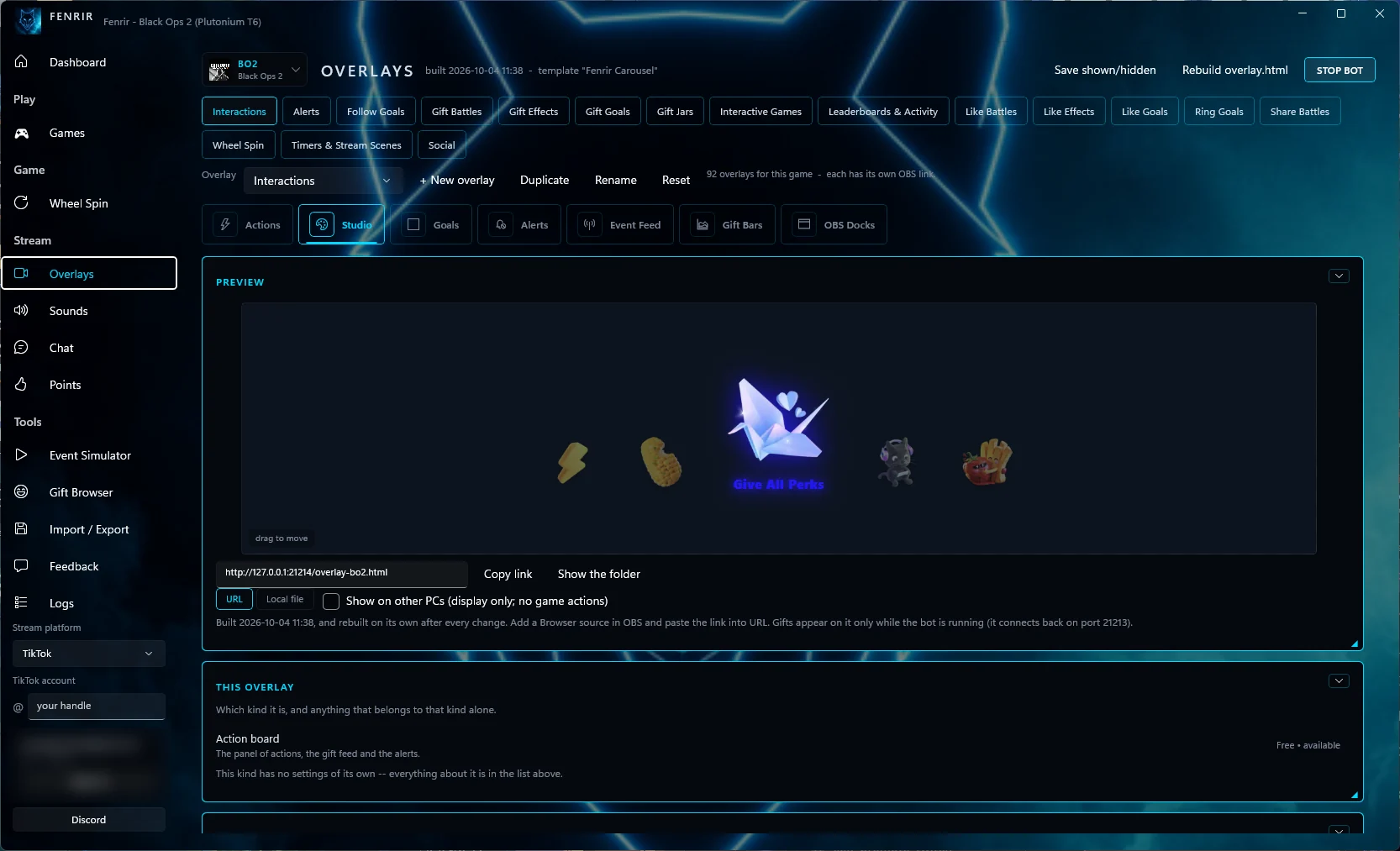
Get Fenrir for Windows
Open the official download page, review the risks, then download and install Fenrir. Signing in with a free Fenrir account is optional.
Open free download page ↗Turn TikTok LIVE gifts and chat into game actions, overlays and speech. You set the rules. Your audience changes what happens next.
Get updates, suggest features, and report bugs in our community server.
On beta.80 or older? Update once by hand. Close Fenrir, then download and run the installer (signed by KJS GAMING LLC). It updates in place and keeps your settings. After this, Fenrir offers updates by itself.
Start on Free. Check your setup.
Upgrade when you need more room.
Open the official download page, review the risks, then download and install Fenrir. Signing in with a free Fenrir account is optional.
Open free download page ↗Follow the game's setup guide. Pick an action or explore gift and keybind presets, then customize your overlay.
Read the setup guide ↗Use the simulator to check the mapping and overlay before your show. A successful rehearsal does not guarantee an event will work live.
Check beta limitations ↗Your colors. Your layout. Your rules.
Explore the app before you download.
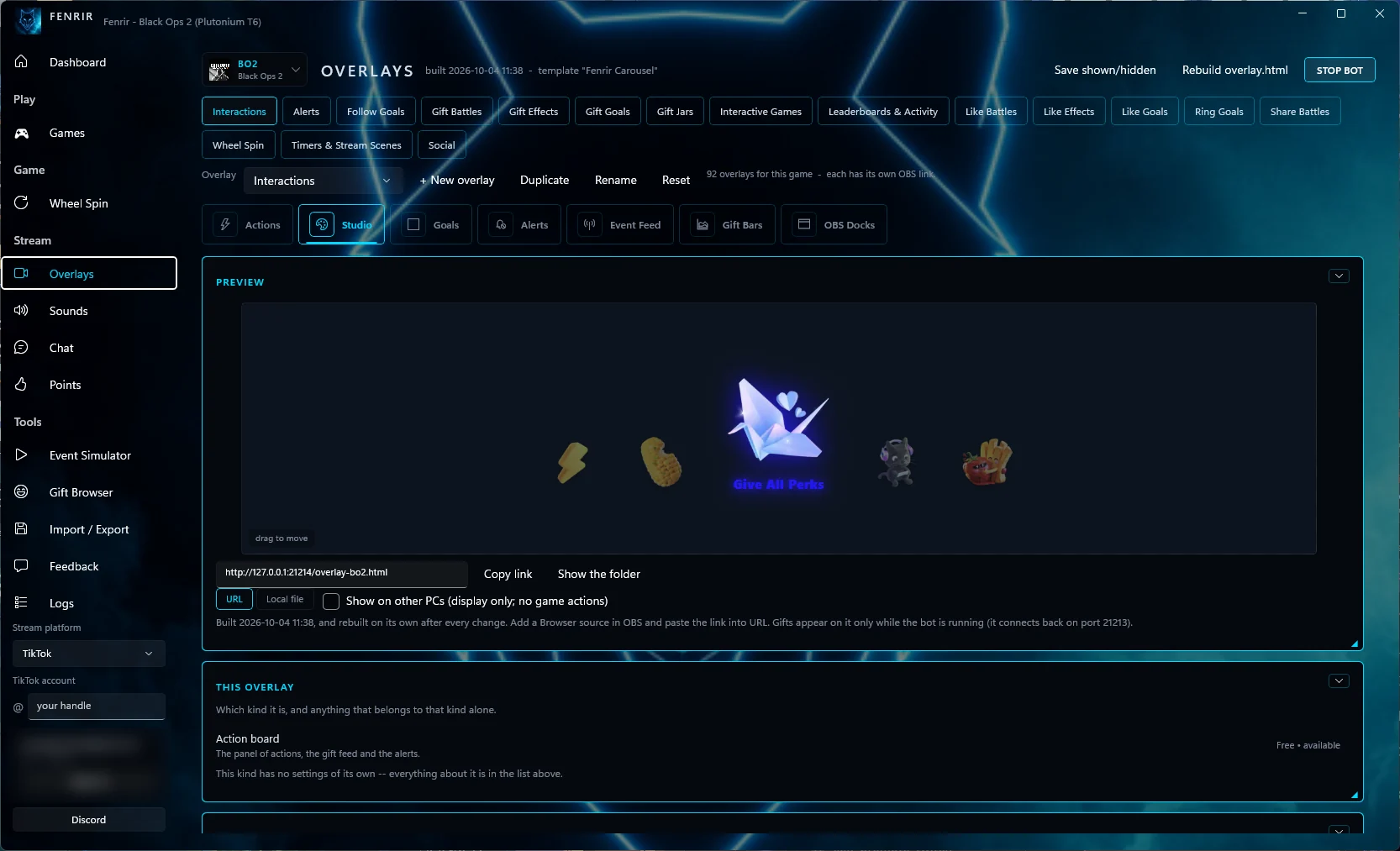
Choose a design, adjust its colors and layout, then use its local overlay address in a compatible browser source.
Game access is not a paid-tier perk.
Verification is specific to each game.
 Tested in game
 Tested in game
 Tested in game
 Built · live proof pending
Status reflects the published beta. Coming-soon integrations remain locked.
Browse the full game catalog →Choose a voice, try a sample and decide what gets read. Pair speech with sound alerts to make interactions easy to hear.
Online speech sends the spoken text to Microsoft and depends on its service being available. Installed Windows voices work offline.
Use the bot on its own or alongside the desktop app. Bring go-live alerts, moderation and community activities into your server.
Free includes core bot tools with limits. Subscriptions include the matching bot tier. Bot-only Pro lifetime is $49.99 for one server, for the service’s lifespan. It does not include desktop Pro.
Choose the plan that fits your setup. Game access is available across tiers.
No card. No time limit.
Start for free ↗Billed monthly · USD
Review Plus ↗Billed monthly · USD
Review Pro ↗Prices are in USD before applicable tax. Subscriptions renew until canceled. Review the full plan details, billing interval and any eligible trial before confirming a purchase. Free does not require checkout.
Compare all features and billing details →Availability does not mean every workflow has been proven in a live stream. Newer alert, goal, battle and OBS dock tools still need live testing. Optional cloud storage and sync for viewer points and data are planned. Automatic captions are disabled.
Read current testing status →I'm building Fenrir on my own. I want to make it easier to create an interactive stream, put your own stamp on it and keep your community involved.
There's still plenty to improve. My focus is on making the tools useful and dependable, while giving creators more ways to make something their own.
 From the developer of Fenrir
Follow updates, suggest features and tell me what needs fixing.
Paid plans help fund continued development, maintenance and the online services Fenrir relies on. They offer more room for triggers, more designs and tools for saving and reusing your setups. Free remains a real option for getting started.
Over time, I'd like to grow Fenrir enough to bring a small team on board. That's an ambition, not a promise. Choose a plan for what it offers you today.
I'd like Fenrir to bring streaming, video creation, overlay design and community tools together, so there's less jumping between apps. I'd also like to connect the Discord bot more closely with the desktop app and eventually make it a fuller part of that experience.
Planned: Optional cloud storage and sync for viewer points and data are planned for a future update, when we can support them reliably.
Where things stand today: Fenrir already has overlay tools and a separate Discord bot. Stream Studio and Video Editor are planned for the future and are not included in the current desktop beta. The complete all-in-one workflow and full Discord bot integration are goals, not finished features. There are no announced dates for them.
See what's available and what's still being tested ↗Installation, your game and the first test.
02 / JOIN THE COMMUNITYGet updates, suggest features, and report bugs.
03 / STAY INFORMEDSee what changed before updating.
No. Free has no time limit and needs no payment card. You do not need an account to open the desktop app; signing in is optional. Plus and Pro need you to sign in so your plan can be checked, and they raise the limits and add more tools and designs.
Yes. The bot works on its own. Start on its Free plan and manage your server through the existing website. Bot-only purchases do not unlock paid desktop features.
No. You can keep using OBS or another app with a compatible browser source for Fenrir overlays. Built-in streaming and video editing are future plans, not features of the current desktop beta.
Game actions, points and overlays run on your PC. Sign-in, online voices and optional sharing use online services.
What leaves your PC ↗Unofficial platform access and third-party game software can breach terms and risk account bans. Review the risks before downloading.
Read the risk notice ↗